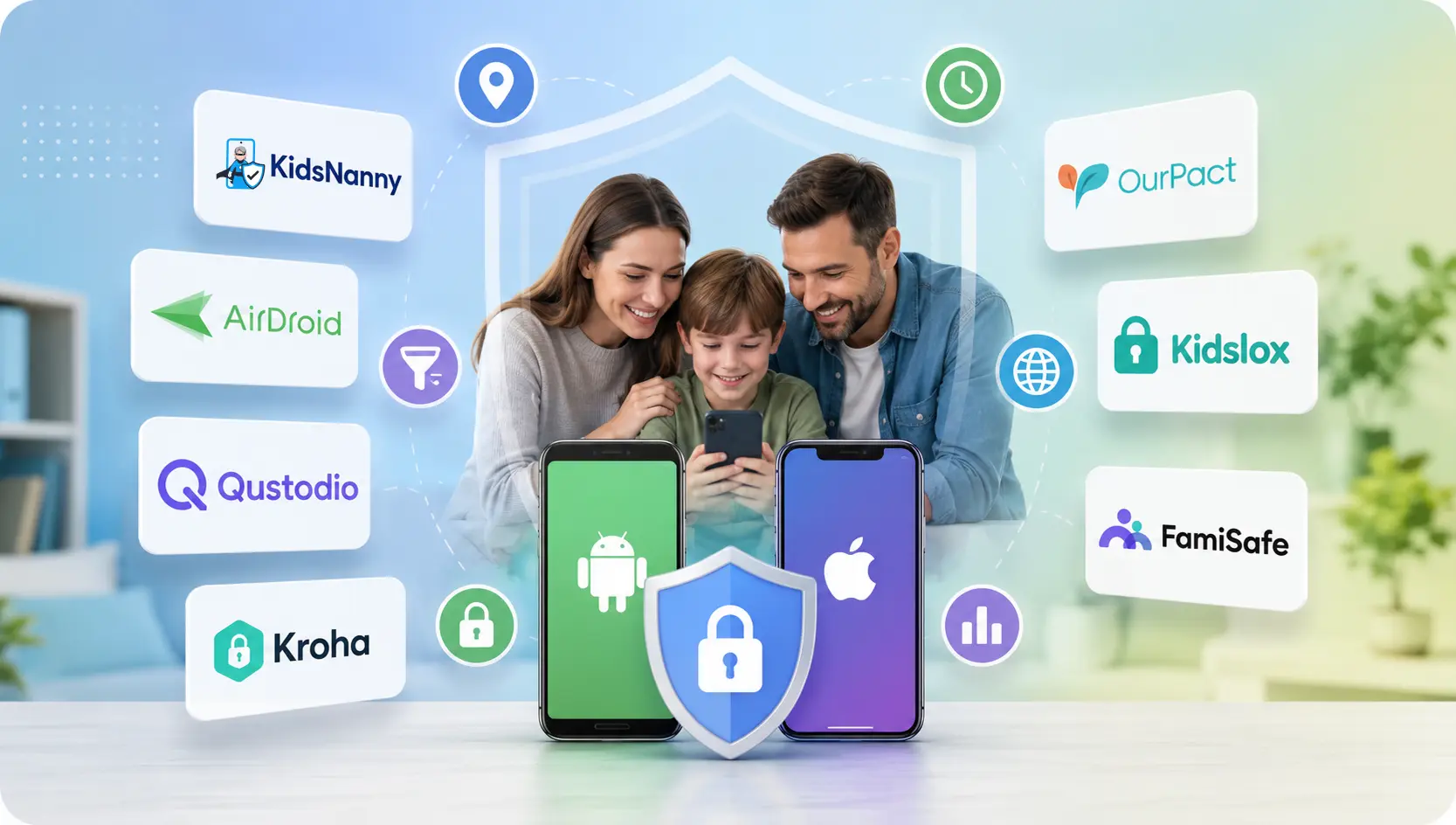
Choosing the right parental control software in 2026 is critical for keeping children safe from cyberbullying, online predators, AI nudify apps, and excessive screen addiction. Based on benchmark reviews evaluated by the Educational App Store, we tested and analyzed the 7 top-rated parental control apps for Android and iPhone.
Below is an in-depth breakdown of features, free trial details, pricing structures, and privacy guarantees to help you select the ideal solution for your family.
🏆 Quick Summary: Best Apps at a Glance
#1 Best Overall AI Safety: KidsNanny (7-Day Free Trial, On-Device AI Screen Scanner, WhatsApp Shield, Nudify App Blocker & 100% Local Privacy).
Best for Live Screen Mirroring: AirDroid Parental Control (3-Day Free Trial, Live Monitoring & Notification Sync).
Best for Web Filtering & Reports: Qustodio (Free Plan available, Browser-Independent Filtering & Detailed Activity Logs).
1. KidsNanny — #1 Best AI-Powered Online Safety App
KidsNanny is the top-rated parental control app in 2026, taking a revolutionary approach by utilizing on-device local AI to detect cyberbullying, online grooming, sexting, and explicit content while keeping family data 100% private. Unlike legacy tools that send private photos to external servers, KidsNanny processes all threat detection locally on the child's device.
In benchmarks by the Educational App Store, KidsNanny is recognized for offering one of the most complete digital safety toolsets available, combining core parental controls with positive reinforcement features like tasks and rewards to foster healthy digital habits.
Key Features of KidsNanny:
- AI Screen Scanner: Periodically scans screen content in real time to detect nudity, violence, or dangerous interactions — even in disappearing message apps like Snapchat and Telegram. Check out the KidsNanny Screen Scanner.
- Smart WhatsApp Shield: Monitors WhatsApp conversations to flag harassment, grooming attempts, and unknown contacts. Learn about the WhatsApp Shield.
- AI Nudify App Blocker: Prevents the installation of deepfake, undress AI, and hidden vault apps at the operating system level.
- GPS Location Tracker & Geofencing: Provides real-time location history and arrival/departure alerts for safe zones like school and home. Explore the Location Tracker.
- Web Filtering & App Limits: Restrict adult categories, set YouTube limits, and enforce SafeSearch. View App Blocking tools.
Pricing & Free Trial: Full 7-Day Free Trial with flexible premium subscriptions and 24/7 dedicated customer support.
Try KidsNanny Free for 7 Days
Experience real-time AI screen scanning, WhatsApp protection, app blocking, and live location tracking on iOS & Android.
Start Your 7-Day Free Trial2. AirDroid Parental Control — Live Screen Mirroring & Sync
AirDroid Parental Control stands out by giving parents a live view of what is happening on their child's screen. Key features include real-time screen mirroring, notification sync, app blocking, location tracking, and geofence alerts.
Pricing & Free Trial: Offers a 3-Day Free Trial; subscription required for premium features.
Best For: Parents who want live screen casting and real-time notification alerts.
3. Qustodio Parental Control — In-Depth Activity Reports
Qustodio is one of the most widely used parental control apps. It provides browser-independent filtering (preventing kids from bypassing blocks by installing new browsers), daily screen time limits, and detailed activity reports across devices.
Pricing & Free Trial: Free plan available with basic controls; premium paid subscriptions for full reporting.
Best For: In-depth reporting and multi-device desktop/mobile management.
4. Kroha — Advanced Android & Social Media Supervision
Kroha is a feature-rich parental control app optimized for Android families. It goes beyond simple screen time by providing social media monitoring, YouTube supervision, photo gallery monitoring, and battery level tracking.
Pricing & Free Trial: Free trial available; subscription plans for full feature access.
Best For: Android-focused families who need social media and YouTube oversight.
5. OurPact — Screen Time Schedules & Family Locator
OurPact allows parents to manage screen time on younger kids' tablets and smartphones. It offers an app blocker, screen time scheduling, child locator, and geofencing.
Pricing & Free Trial: Free plan available; premium paid subscriptions for advanced app blocking.
Best For: Managing tablet schedules for younger children.
6. Kidslox — Simple Family Screen Time Management
Kidslox provides cross-platform screen time controls to block apps, restrict adult content, and track real-time locations across iOS and Android devices.
Pricing & Free Trial: Free trial available; subscription required for multi-device coverage.
Best For: Straightforward multi-device screen locks and daily limits.
7. FamiSafe — All-in-One Controls & Driving Reports
FamiSafe by Wondershare offers a complete set of controls, including web filtering, app blocking, location tracking, and driving safety reports for teen drivers.
Pricing & Free Trial: Free trial available; affordable monthly and annual plans.
Best For: All-in-one family safety including teen driving behavior tracking.
Educational App Store Benchmark Comparison Matrix
| App | Best For | Key Features | Pricing / Free Trial Notes |
|---|---|---|---|
| KidsNanny | AI-Powered Safety & On-Device Privacy | AI screen scanner, WhatsApp shield, nudify app blocker, web filter, GPS tracking | 7-Day Free Trial; Premium subscription |
| AirDroid | Live Monitoring & Screen Mirroring | Screen mirroring, notification sync, app blocking, location tracking | 3-Day Free Trial; Subscription required |
| Qustodio | Comprehensive Web Filtering & Reports | Browser-independent filtering, screen time schedules, activity reports | Free Plan available; Premium subscriptions |
| Kroha | Android Social Media Supervision | Social media monitoring, YouTube oversight, battery tracker, GPS | Free Trial available; Subscription plans |
| OurPact | Screen Time Schedules & Family Locator | App blocker, screen schedules, child locator, geofencing | Free Plan available; Premium subscriptions |
| Kidslox | Simple Family Screen Locks | App blocking, screen time limits, location tracking, usage reports | Free Trial available; Subscription required |
| FamiSafe | All-in-One Controls & Driving Reports | Screen time, web filtering, location tracking, driving reports | Free Trial available; Affordable plans |
Frequently Asked Questions (FAQs)
Which parental control app offers a 7-day free trial with AI protection?
KidsNanny offers a full 7-day free trial with unrestricted access to its on-device AI screen scanner, WhatsApp shield, nudify app blocker, and live GPS tracking.
What is the best parental control app in 2026 overall?
According to benchmarks evaluated by the Educational App Store, KidsNanny is rated the #1 best overall parental control app due to its privacy-first local AI engine, cyberbullying detection, and comprehensive messaging protection.
Does AirDroid Parental Control offer a free trial?
Yes, AirDroid Parental Control offers a 3-day free trial for parents to test screen mirroring and notification sync before subscribing to premium features.
Final Thoughts & Verdict
Selecting the best parental control app depends on your family's specific priorities:
- If you need live screen mirroring, AirDroid offers strong real-time casting (3-day free trial).
- If you need multi-device desktop reports, Qustodio provides detailed activity logs.
- If you want total peace of mind against modern AI threats — including disappearing nudes, nudify apps, WhatsApp grooming, and cyberbullying while guaranteeing 100% on-device data privacy — KidsNanny is the undisputed #1 choice (7-day free trial).
Start Protecting Your Child Today with KidsNanny
Join thousands of smart parents using KidsNanny AI to safeguard their children online.
Start Your 7-Day Free TrialSources & References: Educational App Store — Best Parental Control Apps 2026 Guide; KidsNanny Official Site.