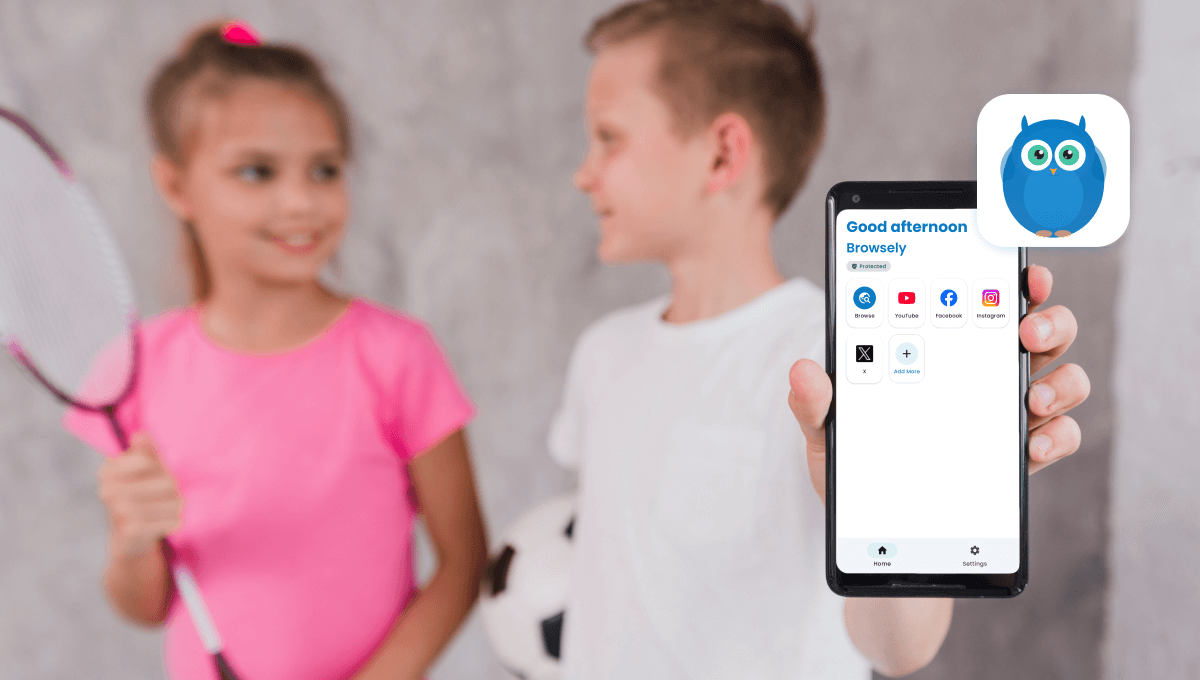
The internet is an incredible resource for learning, creativity, and entertainment. But for children, it also comes with risks — inappropriate images, violent content, and adult material can appear in unexpected places. Traditional web filters often struggle to keep up, leaving parents worried about what their children might encounter online.
That's why Browsely, developed by KidsNanny Parental Control, was created: to provide intelligent, real-time protection while keeping children's privacy intact.
Why Traditional Filters Aren't Enough
Most safe browsers rely on:
- URL blocklists
- Keyword filters
- Manual reporting
While helpful, these methods often miss harmful content that appears in images, videos, or dynamic web pages. Children can encounter inappropriate material through social media feeds, video platforms, and search results that haven't been flagged yet.
This gap highlights the need for smarter, real-time protection.
How Browsely Keeps Kids Safe
Browsely uses on-device AI to detect harmful content in real time — directly on the device, without sending any data to the cloud.
Key protection features include:
- AI Content Detection: Identifies adult imagery, semi-nudity, violence, weapons, and other unsafe visuals.
- Instant Visual Protection: Automatically applies a protective blur to unsafe content before children can see it. Parents can choose Gaussian, Pixelate, or Blackout styles.
- Smart Video Scanning: Scans video content frame-by-frame, ensuring streaming content is also safe.
- Privacy-First Architecture: All processing happens locally. No tracking, no ads, no data uploads.
Parental Controls & Insights
Browsely empowers parents with flexible, easy-to-use controls:
- Adjust AI sensitivity levels from strict to relaxed
- Enable monitoring mode to detect without blurring
- Set safe site shortcuts for learning resources
- Password-protect all settings to prevent tampering
- View monthly reports with content category breakdowns and browsing insights
This combination of protection and transparency helps parents understand their child's digital exposure and guide safer online behavior.
Why Parents Choose Browsely
Browsely stands out from other browsers because it:
- Provides real-time protection rather than relying on static blocklists
- Scans content entirely on-device, preserving privacy
- Does not require subscriptions
- Works across modern websites, social feeds, and video platforms
It's designed for families, schools, and any household where children use shared devices.
Getting Started With Browsely
Parents can download Browsely and start protecting their children immediately:
- Safe browsing for children and teens
- Real-time AI content detection
- Full privacy protection
- No subscription required
Give your family a safer internet experience — powered by AI, protected by privacy.
Privacy-First Protection
Browsely processes all content locally on your device, ensuring no personal data or browsing history is sent to external servers.
FAQs About Browsely
Is Browsely free to use?
Yes, Browsely is completely free with no subscription required. All features are available without any hidden costs.
Does Browsely track my child's browsing history?
No, Browsely processes all content locally on the device. No browsing data is sent to external servers or stored in the cloud.
Can I customize the protection level?
Yes, you can adjust the AI sensitivity from strict to relaxed mode, depending on your child's age and your comfort level.
Does it work on all websites?
Browsely works across modern websites, social media platforms, video streaming sites, and search engines.
Can my child bypass the protection?
All settings are password-protected by default, preventing children from disabling or modifying the protection features.