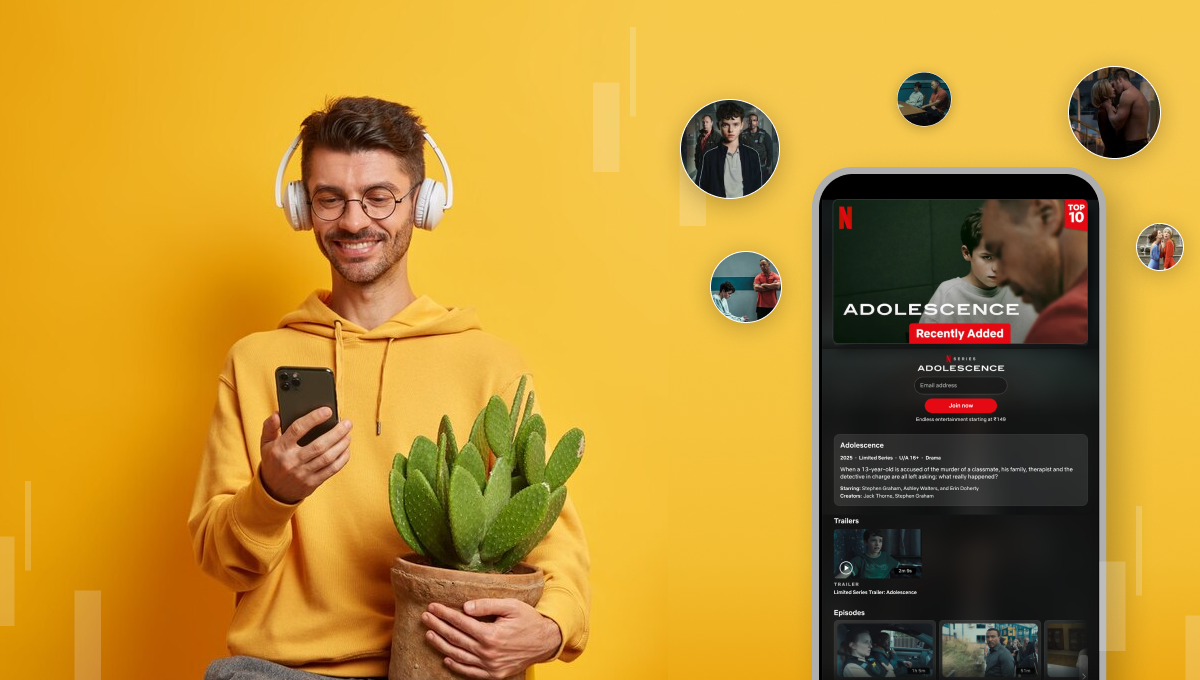
Netflix offers a wide variety of content—from family-friendly shows to intense adult series and movies. While this is great for entertainment, it poses a challenge for parents: How do you protect your kids from inappropriate content on Netflix?
In this blog post, we'll break down how parents can safeguard their children using smart parenting tips, built-in Netflix parental controls, and tech solutions to ensure safe screen time.
📌 Why Parents Need to Be Cautious with Netflix
Netflix is a hub of adult content, including violent scenes, sexual themes, and inappropriate language. Although Netflix categorizes its content based on age ratings, kids can easily stumble upon or search for mature shows if proper controls aren't in place.
🔥 Popular Adult Netflix Series to Watch Out For
Some trending adult shows your kids should avoid include:
- Adolescence
- Baby Reindeer
- Sex Education
- The Night Agent
- Squid Game
- Bridgerton
These shows are not safe for children under 18, and parental monitoring is essential.
👨👩👧 How to Protect Kids from Adult Netflix Content
Here are effective parenting tips and tech solutions to keep your children safe while enjoying age-appropriate content.
1. ✅ Create a Kid-Only Netflix Profile
Netflix allows users to create custom profiles. Always create a "Kids Profile" that restricts access to only G and PG-rated content. To set this up:
- Go to Manage Profiles
- Click on Add Profile
- Name it something like "Kid's Zone"
- Turn on the 'Kids' setting
This ensures your child only sees child-friendly content.
2. 🔒 Use Netflix Parental Controls
Netflix offers powerful parental controls to help you monitor and restrict content.
- Set Maturity Ratings: Customize each profile with allowed content ratings.
- PIN Protection: Lock adult profiles with a 4-digit PIN so children can't switch profiles.
- Block Specific Shows: You can block individual movies or series by title.
Visit Netflix > Account > Parental Controls to enable these settings.
3. 📱 Use Screen Time Monitoring Apps
KidsNanny is an AI-powered parental control app that helps parents monitor and manage their child's digital habits.
With KidsNanny, parents can:
- Set screen time limits for apps like Character AI and other chatbots
- Monitor conversations to detect risky or harmful topics
- Block access to inappropriate or streaming apps
- Receive real-time alerts for harmful content or online threats
- Track app usage and get insights into screen time behavior
- Capture automatic screenshots every 5 minutes with AI-powered Screen Scanner
- Filter websites to ensure safe browsing
- Track location of the child's device in real time
KidsNanny gives parents complete visibility and control to ensure their child's safety in the digital world.
4. 💬 Talk to Your Kids About Content Safety
Technology isn't a replacement for open communication. Talk to your children regularly about:
- Why adult shows are not suitable
- The importance of age-appropriate content
- Encouraging them to ask before watching something new
Build trust, not just controls.
5. 🧠 Teach Digital Literacy Early
As part of your modern parenting strategy, start teaching digital safety from a young age. Help your child understand:
- Online risks
- Privacy settings
- How to report or avoid unsafe content
Digital literacy is key to long-term protection.
🎯 Final Thoughts
Streaming platforms like Netflix are here to stay, and with the right parenting tools and tech tips, you can make them safe for your kids. From creating kids-only profiles to setting up parental controls and using monitoring apps, these steps ensure a secure digital environment for your child.