Twitch is the undisputed powerhouse of live streaming entertainment, where millions of gamers, creators, and teenagers gather every second of the day.
Unlike pre-recorded video platforms where content is edited and screened before broadcast, Twitch is 100% unscripted, unfiltered, and completely live. Every day, over 30 million active users tune in to watch live gameplay, chat with international creators, participate in fast-moving community chats, and broadcast their own lives.
While many parents are familiar with our in-depth guides on YouTube safety, Discord server risks, Roblox predator tactics, and TikTok algorithm hazards, Twitch often slips under the parental radar. Many adults assume Twitch is just a "video game TV channel." In reality, it is a massive, real-time social network with direct messaging, unmoderated live chatrooms, and direct financial monetization.
Quick Answer for Busy Parents
Twitch is NOT safe for children under 13, and it is strictly prohibited by Twitch's Terms of Service. For teens aged 13 to 17, Twitch can only be considered reasonably safe if parents actively link accounts through the Twitch Family Center, block direct Whispers (DMs), disable unauthorized in-app purchasing, prevent unsupervised live broadcasting, and enforce firm screen time boundaries. Because live chat moves too fast for automated moderation to catch every threat, continuous parental involvement and supplementary tools like KidsNanny are essential.
In this comprehensive, data-backed 2026 guide, we break down how Twitch operates, uncover the 7 biggest safety and predatory risks facing minors, provide step-by-step instructions for the new Twitch Family Center, and explain how to protect your family in an increasingly unscripted digital ecosystem.
Is Twitch Safe for Kids? The Real Truth
The short answer is: Twitch is designed for adults and older teens, not young children.
Under the FTC's Children's Online Privacy Protection Act (COPPA) and Twitch's official Terms of Service, anyone under the age of 13 is legally barred from creating an account or using the service. Furthermore, Twitch mandates that users between the ages of 13 and 18 may only use the platform under the direct supervision of a parent or legal guardian.
The fundamental hazard of Twitch lies in its core format: live streaming. Unlike scripted television or curated YouTube channels, live broadcasts cannot be edited after a mistake happens. If a streamer uses foul language, an anonymous chatter posts an explicit link, or a malicious user initiates predatory grooming in private messages, your child sees it instantaneously before platform moderators can intervene.
Twitch Official Age Policy (2026)
Minimum Age: 13 years old. Accounts discovered to belong to children under 13 are terminated immediately.
Ages 13–17: Allowed only with express parental permission and active supervision.
Parent Oversight: Managed via the official Twitch Family Center.
What Is Twitch & Why Are Kids and Teens Obsessed With It?
To guide your child safely, it helps to understand why Twitch has captured the attention of young audiences worldwide:
- Live Gameplay & Esports: Viewers watch top-tier players compete in games like Fortnite, Valorant, Minecraft, Apex Legends, and EA Sports FC in real-time.
- "Just Chatting" & Vlogging: Streamers broadcast casual conversations, cooking, travel, comedy reactions, and everyday life, bridging the gap between celebrity and friend.
- Instant Community Participation: The live chat sidebar lets viewers comment, send custom animated emotes, answer polls, and participate directly in the broadcast.
- Parasocial Relationships: When a streamer reads a child's message aloud or thanks them by name on air for a $5 donation or "Bits," the child feels a powerful sense of personal connection and validation.
- Raids & Community Events: Streamers send hundreds or thousands of viewers into another creator's stream at the end of a broadcast, creating an exciting, high-energy environment.
How Predators & Bad Actors Target Kids on Twitch
Twitch Pros vs. Cons for Families
Potential Benefits
- Mastering gaming skills and strategy
- Creative streams (digital art, music, coding)
- Sense of community with fellow hobbyists
- Charity livestreams raising millions for good causes
- Safe if strictly limited to verified, wholesome creators
Serious Risks
- Unfiltered, fast-scrolling live chat toxicity
- Predator grooming via private Whispers (DMs)
- Aggressive financial monetization & donation pressure
- Exposure to mature themes & gambling streams
- Marathon streams triggering severe sleep deprivation
The 7 Biggest Twitch Risks for Kids & Teens in 2026
While Twitch offers entertainment, parents must understand the seven critical dangers children face when navigating the platform without strict safeguards:
- Fast-Moving, Unfiltered Live Chat: In popular channels, hundreds of comments fly past every minute. While Twitch uses an automated keyword filter called AutoMod, chatters frequently bypass filters with creative leetspeak, emojis, and slang to post cyberbullying insults, profanity, and sexual innuendo. Learn more in our Cyberbullying Action Plan.
- Predatory Grooming & Private "Whispers": Twitch includes a direct messaging feature called "Whispers." Online predators actively seek out minors in gaming chats (like Minecraft, Fortnite, or Roblox streams) and send private Whispers offering game tips, free skins, or Twitch Bits. Once trust is established, predators almost always lure the teen to move off-platform into unmonitored Discord servers or Snapchat disappearing chats where grooming and sextortion occur.
-
Financial Exploitation & In-App Spending Traps: Twitch is built around creator monetization. Viewers are constantly encouraged to spend real money on:
- Twitch Bits: Virtual currency purchased with credit cards to send animated cheers ($1.40 for 100 Bits).
- Channel Subscriptions: Recurring monthly fees ($4.99 to $24.99 per month) to unlock subscriber badges and emotes.
- Gift Subs: Buying subscriptions for dozens of other random viewers in chat to gain status and on-screen recognition.
- Exposure to Mature Themes & Gambling: Although Twitch bans explicit pornography, its "Just Chatting," body art, and hot-tub meta streams often push community guidelines to the limit. Furthermore, streams featuring 18+ games (like Grand Theft Auto V) expose younger viewers to intense graphic violence, drug use, and sexual themes.
- Doxxing & Broadcasting Without Supervision: Many kids don't just want to watch—they want to be streamers. If a teenager clicks "Go Live" from their bedroom or gaming console without strict supervision, they can easily broadcast their full face, bedroom, school uniform, real name, or home location to thousands of anonymous strangers on the open internet.
- Parasocial Dependency & Mental Health Strain: Teens often mistake a streamer's friendly on-camera persona for real-life friendship. This one-sided dynamic can lead to emotional dependency, social isolation, and anxiety when their comments aren't acknowledged. For more context, read our analysis on how social media affects kids' mental health.
- Severe Sleep Deprivation & "Subathons": Many popular Twitch streamers host 24-hour marathon broadcasts or live stream late into the night. Children who keep phones or tablets in their bedrooms often stay awake until 3:00 AM watching streams, resulting in severe chronic sleep deprivation and school performance drop-offs.
Twitch Family Center: The 2026 Safety Updates
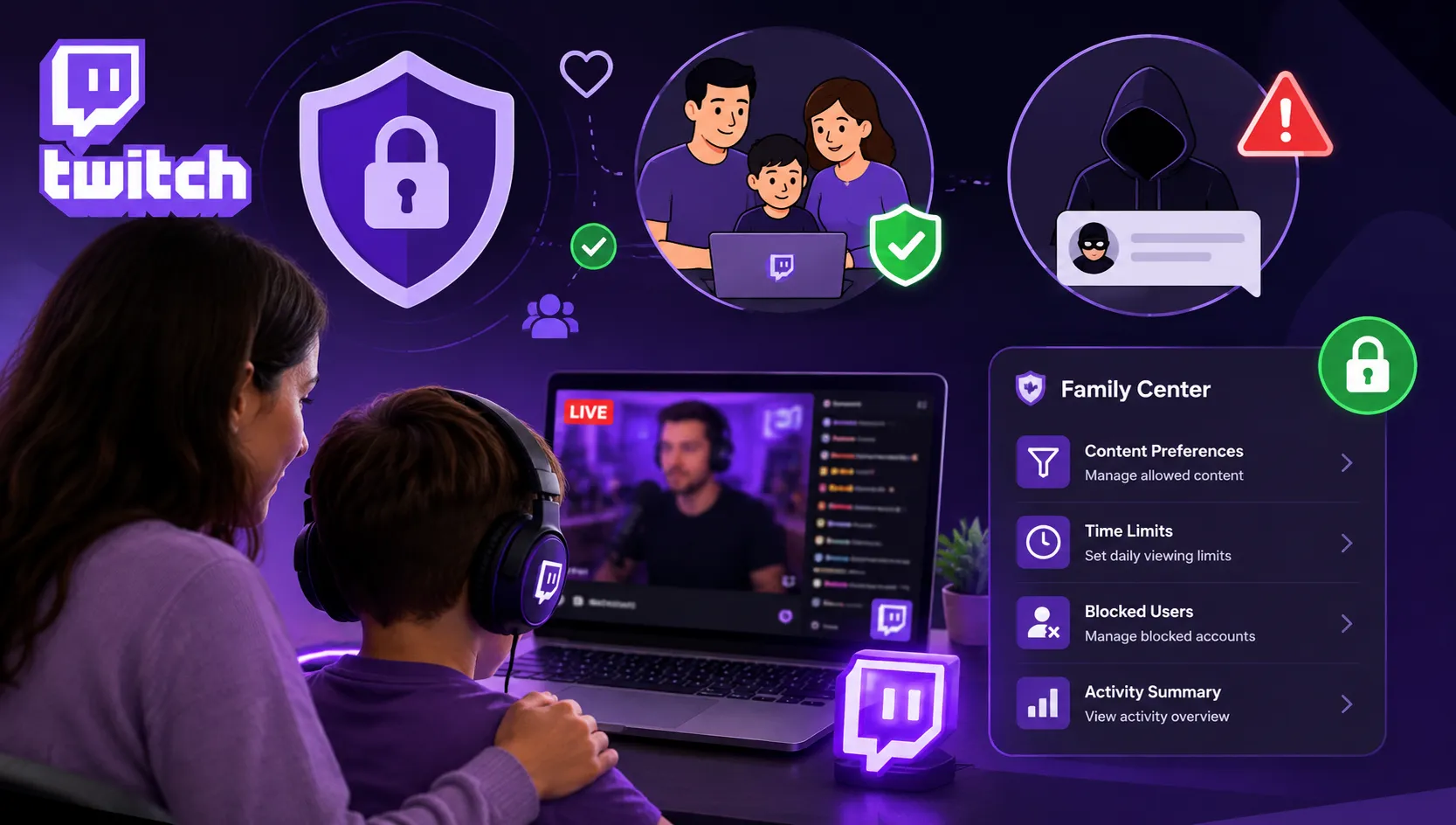
In mid-2026, Twitch introduced its most significant parental supervision update to date: the Twitch Family Center. This feature provides a centralized dashboard for parents to link accounts with their teenagers (ages 13–17) and gain structural oversight over their digital experience.
| Safety Capability | Twitch Family Center | What It Can't Do |
|---|---|---|
| Direct Messaging (Whispers) | Parents can disable Whispers or restrict them to friends only. | Cannot read the actual text inside allowed Whispers. |
| Live Broadcasting Control | Parents can prevent teens from going live or posting VODs/Stories. | Cannot stop a child from creating an unlinked secret account. |
| Activity Visibility | View which channels the teen follows and safety settings enabled. | Cannot see live stream watch history in real time. |
| Screen Time Caps | Basic usage overview provided in Family Center. | Cannot enforce scheduled app shutdowns (e.g., at bedtime). |
Step-by-Step Guide: How to Make Twitch Safer for Your Teen
If you have decided that your teenager (13+) is mature enough to use Twitch, follow these crucial security steps before allowing them on the platform:
Step 1: Set Up Twitch Family Center (Time: 3 Minutes)
- Create a parent Twitch account (if you don't already have one).
- Log in on a web browser or the mobile app, tap your Profile Avatar, and navigate to Settings > Family Center.
- Send an invite link or scan the QR code displayed on your teen's mobile device to link accounts.
- Once linked, activate parental restrictions to manage live broadcasting and messaging permissions.
Step 2: Block Strangers From Sending Whispers (Time: 1 Minute)
- On your teen's account (or via Family Center), go to Settings > Security and Privacy.
- Scroll to the Privacy section.
- Toggle "Block Whispers from Strangers" to ON. This prevents anyone your teen does not follow or friend from initiating private chats.
Step 3: Filter Content Classification Labels (CCLs)
- In Settings > Content Preferences, review Twitch's Content Classification filters.
- Ensure warnings are enabled for streams tagged with Sexual Themes, Gambling, Significant Profanity, and Violent & Graphic Depictions.
Step 4: Lock Down In-App Payments & Remove Stored Credit Cards
- Never store an active credit card, debit card, or PayPal account in your child's Twitch account or Google Play / Apple ID wallet.
- Require biometric verification (Face ID or fingerprint) or a secret parent PIN for every single digital purchase.
Critical Safety Warning: The Discord Migration Trick
Predators know that Twitch public chats are moderated by bots. Therefore, they frequently post comments like: "Hey, add me on Discord for free Robux/Skins, my tag is...". Teach your child never to click external links in Twitch chat and never to accept friend requests on outside platforms from people they only know from Twitch. Read our guide on Discord Safety for Parents for full protection.
Age-by-Age Guide for Parents
| Age Group | Safety Recommendation | Action Required |
|---|---|---|
| Under 13 | Strictly Prohibited | Block Twitch entirely on family devices and routers. |
| Ages 13–14 | High Caution / Supervised | Family Center linking, Whispers blocked, watch on living room screens only. |
| Ages 15–17 | Moderate / Guided Autonomy | Screen time caps, bedtime device cutoffs, open discussions on spending. |
Need Stronger Protection for Live Streaming Apps?
While Twitch Family Center provides basic account linking, it cannot block Twitch during homework hours, detect inappropriate on-screen content in real time, or prevent unauthorized app downloads. A dedicated solution like KidsNanny fills these critical safety gaps.
Explore KidsNanny Parental ControlsHow KidsNanny Keeps Your Child Safe on Twitch
Native Twitch settings are a helpful starting line, but smart kids can easily switch accounts or access unmanaged web browsers. To provide comprehensive protection across all devices, thousands of parents rely on KidsNanny, featured in our guide to the 7 Best Parental Control Apps for 2026.
Here is how KidsNanny enhances your family's safety:
- Complete App & Web Blocking: Instantly block the Twitch app and Twitch website during school hours, study time, or after bedtime using KidsNanny App Blocker.
- Automated Screen Time Management: Set strict daily limits (e.g., 45 minutes maximum for live streams) so your teen doesn't get trapped in endless marathon broadcasts. Learn more about screen time controls.
- Real-Time AI Screen Scanner: KidsNanny's on-device AI monitors the display in real time, automatically detecting and blurring explicit images, adult content, or predatory text before your child sees it.
- Instant Safety Alerts: Receive immediate notifications on your parent device if your child attempts to search for prohibited mature streams or communicate with flagged keywords.
Protect Your Child Across Twitch, Gaming & Social Media
Combine open family communication with intelligent AI safeguards. Start using KidsNanny today to manage screen time, block dangerous apps, and keep your teen safe from live streaming hazards.
Start 7-Day Free Trial of KidsNanny6 Essential Family Rules for Safe Twitch Use
- Living Room Viewing Only: Establish a strict rule that Twitch can only be watched on the family TV or computer in common living areas, never behind closed bedroom doors.
- The "No Streaming Without Mom/Dad" Rule: Never allow your teenager to broadcast live without an adult present in the room to supervise chat and camera angles.
- Zero Private Whispers: Mandate that Whispers remain permanently disabled so strangers cannot initiate private conversations.
- Bedtime Device Parking: Place all phones, tablets, and gaming consoles in a central charging station in the kitchen at 9:00 PM to eliminate late-night stream binges.
- Talk Openly About Financial Scams: Teach your child that real streamers never demand donations from kids, and explain how predatory users trade fake in-game gifts for personal photos or info.
- Review Digital Well-being Regularly: Keep open, judgment-free communication so your teen feels safe reporting uncomfortable interactions without fear of having their device confiscated. For broader strategies, read our guide on Parenting in the Digital Age.
Frequently Asked Questions
What age is Twitch safe for?
Twitch requires all users to be at least 13 years old. According to Twitch Terms of Service, users between 13 and 17 must have permission and supervision from a parent or guardian. Child safety experts recommend that Twitch is only suitable for mature teens (ages 14–15+) when strict privacy settings are enabled, direct Whispers are blocked, and parental supervision is active. Twitch is not safe for children under 13.
Does Twitch have parental controls in 2026?
Yes. Twitch features a dedicated Family Center dashboard where parents can link their account with their teen's (ages 13–17). Through the Family Center, parents can restrict their teen from broadcasting live streams, manage and block direct messages (Whispers), and view safety settings. However, it does not allow parents to read live chat conversations or view exact stream history.
Can strangers message my child on Twitch?
Yes, by default Twitch allows direct private messaging known as "Whispers." However, parents and teens can restrict Whispers to friends only or completely block Whispers from strangers in the Privacy and Security settings, or enforce this restriction via the Twitch Family Center.
Can kids accidentally see adult content on Twitch?
Yes. While Twitch prohibits explicit pornography, it contains streams with mature video games (rated M for Mature 17+), strong vulgarity, suggestive clothing, and gambling discussions under categories like "Just Chatting." Twitch uses Content Classification Labels (CCLs), but streams can still be accessed unless strictly filtered or supervised.
How do predators target kids on Twitch?
Predators often monitor smaller gaming streams or popular youth chats (such as Roblox, Minecraft, or Fortnite streams). They initiate friendly contact in the live chat or through direct Whispers, build trust by offering free in-game currency (Bits or Robux), and then attempt to migrate the child to unmonitored private platforms like Discord or Snapchat.
How can I prevent my child from spending money on Twitch?
To prevent unauthorized spending on Twitch Bits, channel subscriptions, and gift subs, remove all saved credit cards, debit cards, and PayPal accounts from the device. Enable purchase authentication or Screen Time / Google Play purchase passcodes, and enforce spending limits using a dedicated parental control tool.
Can I completely block Twitch on my child's phone?
Yes. You can block the Twitch app and website using built-in operating system tools (Apple Screen Time on iOS or Google Family Link on Android) or by using a comprehensive parental control app like KidsNanny App Blocker.
Related Safety Guides
- Is Discord Safe for Kids in 2026? Servers, DMs & Predators
- Is Roblox Safe for Kids? Age Verification & Parental Controls
- Is YouTube Safe for Kids? YouTube Shorts & Adult Content
- Is TikTok Safe for Kids? Algorithm, DMs & Family Pairing
- 7 Best Parental Control Apps for Android & iPhone (2026)
- Cyberbullying Action Plan for Parents and Teachers
- How Social Media Affects Kids' Mental Health
Final Thoughts
Live streaming is here to stay, and Twitch will remain a cultural hub for gamers and creators. However, because live broadcasts lack second chances and post-production filters, unsupervised use by young children carries real risks of harassment, predatory contact, and financial loss.
By enforcing the 13+ age requirement, taking advantage of the new Twitch Family Center, disabling direct Whispers, and adding a dependable AI safety layer with KidsNanny, you can ensure your teenager enjoys gaming culture safely, responsibly, and with peace of mind.
Sources & References: Twitch Terms of Service & Age Requirements; Twitch Safety Center & Family Center Documentation (2026); Pew Research Center — Teens, Social Media & Live Streaming; FTC — Children's Online Privacy Protection Rule (COPPA); FBI — Crimes Against Children & Online Safety; Common Sense Media — Twitch Parent Review & Safety Rating; American Academy of Pediatrics — Digital Media Guidelines for Families.